Features / Circles & invites

One family, many maps.

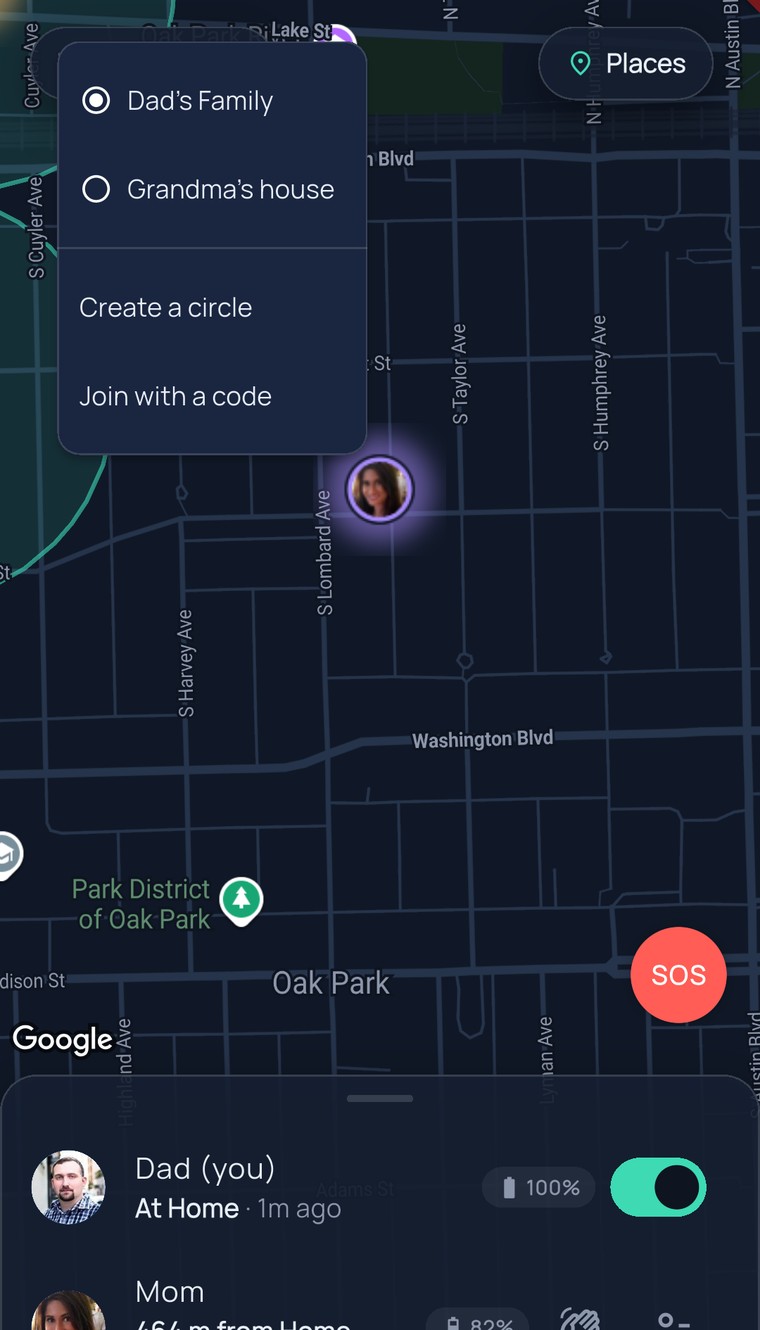
A circle is a private map for the people in it. Keep one for the household, spin one up for the road trip, add one for the grandparents — and switch between them in a tap.

Invites that feel like a card

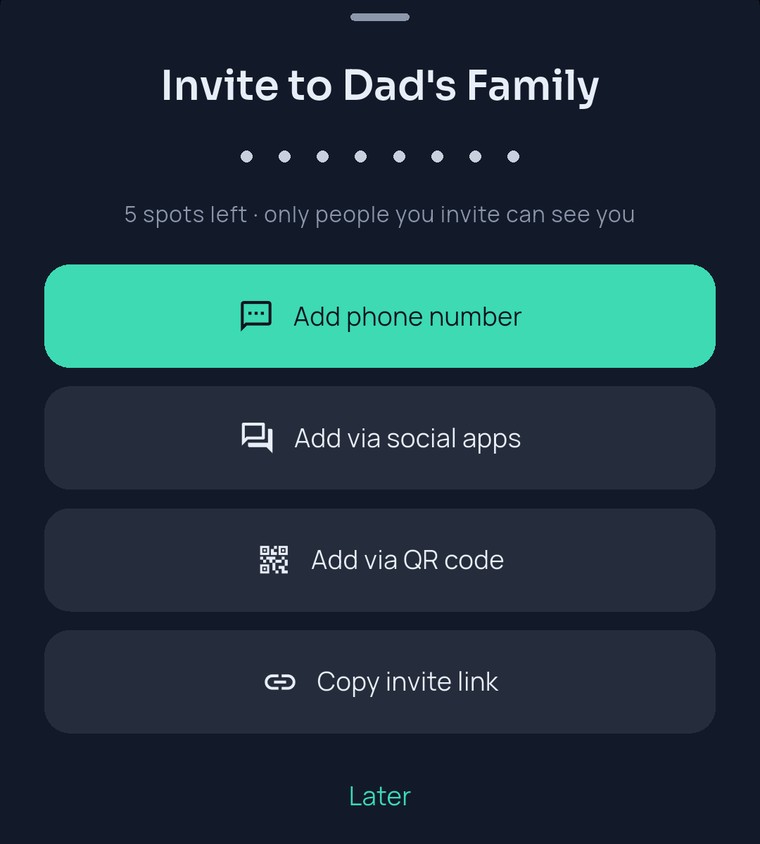
Share a link or show a QR code — the invite says who’s asking and which circle it opens.One tap, and they’re standing on the map.

Grandma-proof joining

People you invite join with just their name — no account, no password, no app store. They can add an email later to keep their spot, whenever they’re ready.

Room for the real family

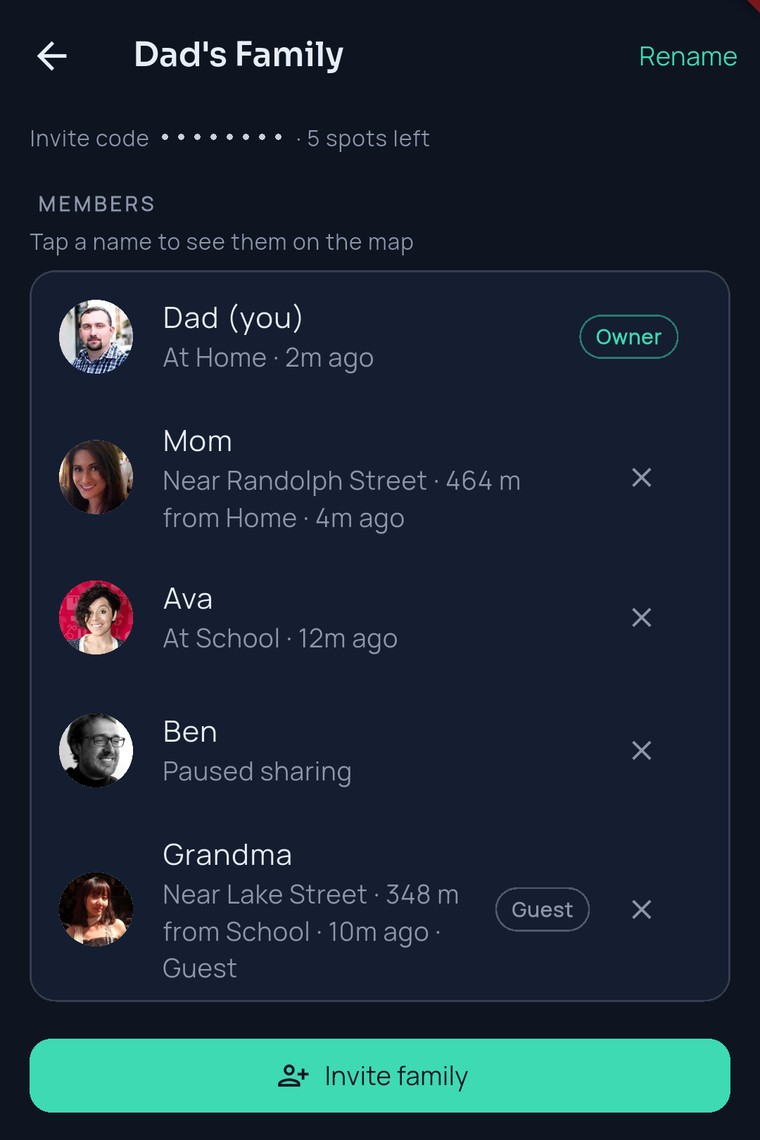
Up to 10 people per circle, and you can run multiple circles on one subscription — family, trip, grandparents. Only the circle owner ever pays; everyone invited joins free.

Owners manage the door — regenerate the invite code anytime, and the old one stops working instantly

Can someone be in more than one circle?
Yes — join as many circles as you’re invited to, and switch between them in a tap. Each circle is private: members of one never see members of another.
How do I remove someone from my circle?
Circle owners can remove any member in two taps, and anyone can leave a circle themselves at any time. If an invite link escaped further than you wanted, regenerate the code — the old link dies instantly.
FamilySeen

Everyone home safe. Starting tonight.

Free for 7 days · Cancel anytime · SOS free forever

Start on any device — everything stays in sync